

As more teams look to make data-driven decisions without waiting on a dedicated analyst or learning a query language, they need software that can genuinely understand a dataset and answer questions conversationally. Powerdrill addresses this with support for multiple file formats — Excel, CSV, TSV, PDFs, PowerPoints — plus direct connections to databases like MySQL and PostgreSQL, letting users chat with their data as if talking to a colleague. Used by more than 1.5 million people globally and holding GDPR, ISO 27001, ISO 20000, and SOC 2 Type 2 certifications, Powerdrill positions itself as a serious, security-conscious alternative to more complex BI platforms.
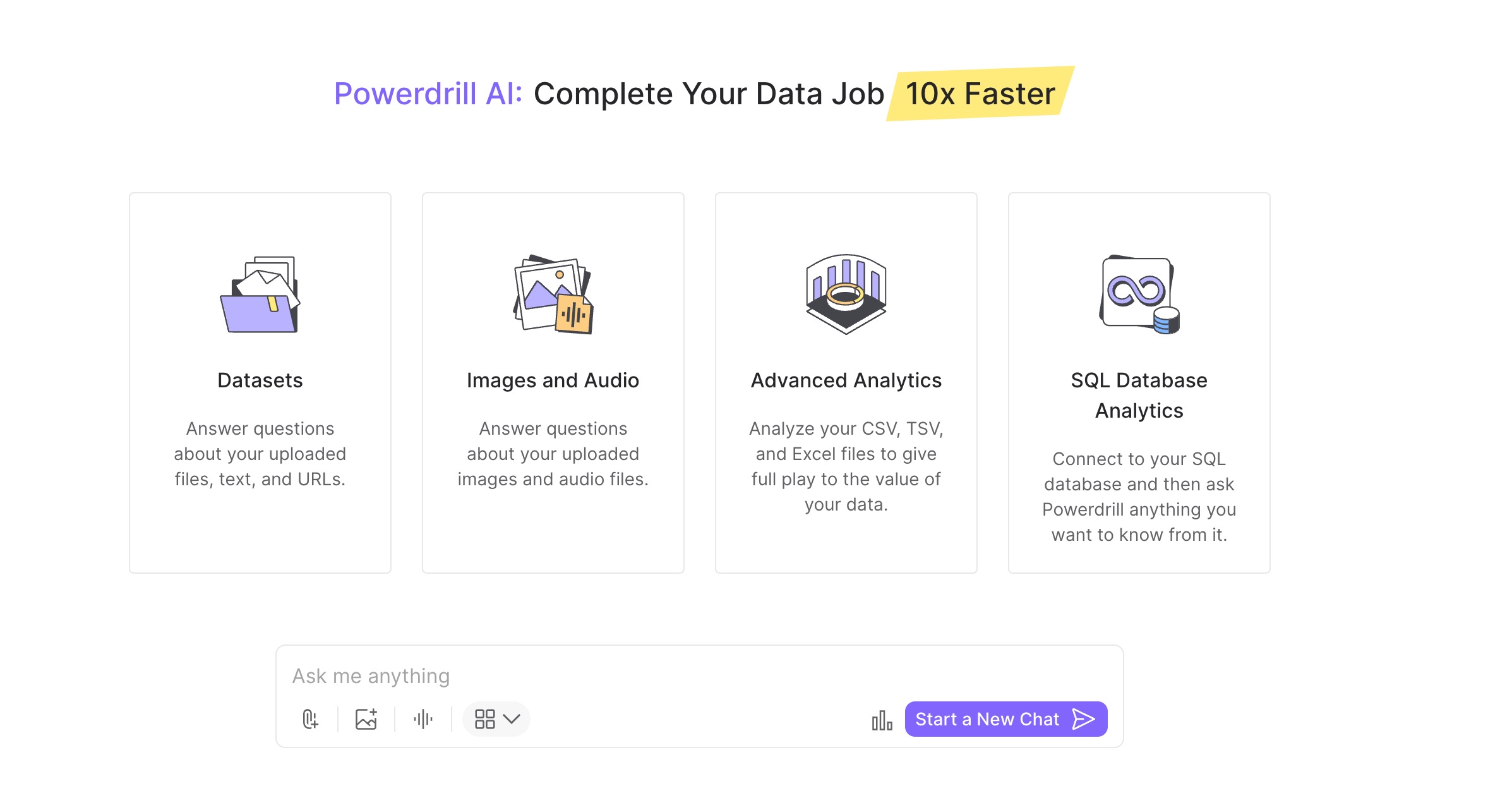
Most data analysis tools require either technical skill to use properly or force users into a rigid dashboard interface with limited flexibility. Powerdrill's core differentiator is its natural language query capability — it can translate a plain-English question directly into a SQL query, run it, and return the exact insight requested, without the user needing to write a single line of code. Upload a CSV or Excel file, and Powerdrill's automated analysis explores the data on its own, detects patterns and trends, and generates actionable insights with clear visualizations in seconds.
The platform's newer Powerdrill Bloom positions itself as an "AI Workspace with Memory" — meaning the AI agents genuinely learn from prior analyses rather than starting from scratch on every new dataset, getting smarter with continued use. Beyond core analysis, Powerdrill's AI Report Generator turns raw data into comprehensive, shareable reports with one click, and its multimedia tools extend into image understanding, text-to-image generation, and text-to-speech/speech-to-text on higher-tier plans — a broader toolkit than most single-purpose data analysis tools offer.
What makes Powerdrill particularly compelling for business users and researchers without a data science background is how directly it removes the technical barrier that usually gates deep data analysis. Reviewers consistently highlight the platform's efficiency claim — up to 100x faster insight generation compared to manual analysis — as genuinely borne out in practice: uploading a file and clicking a button produces a comprehensive visual report with charts, insights, and actionable recommendations within minutes, rather than requiring a dedicated analyst to build the same output manually.
Compared to established BI tools like Tableau and Power BI, reviewers note that Powerdrill trades some depth of customization and enterprise-level integration for genuine speed and accessibility — a meaningful tradeoff for teams that need fast, accurate answers without the setup overhead or learning curve those platforms require. Collaboration tools let teams share datasets and chat sessions without exposing the original underlying data, useful for cross-functional teams or agencies working with sensitive client information.
In conclusion, Powerdrill offers a genuinely accessible approach to data analysis, combining natural-language querying, automated pattern detection, and one-click reporting in a platform that doesn't require coding or a BI background to use effectively. Its combination of broad file and database support, growing memory-driven AI capabilities through Bloom, and strong security certifications make it a strong option for analysts, researchers, and business professionals who need fast, reliable insights without the overhead of a full enterprise BI deployment. By choosing Powerdrill, teams are equipped to turn raw spreadsheets and databases into clear, shareable insights in a fraction of the time manual analysis would take.
You can try Powerdrill for yourself here to see how it fits your data analysis workflow.